

For almost 30 years, we have built online stores with one thing in mind: helping people find where to click.
Menu, search, filters, product page, size selection, buy button, cart, and checkout.
We applied UI and UX concepts, improved speed, created new components, and reduced steps, but the logic remained practically the same: there is a person looking at a screen and trying to figure out what to do.
The arrival of AI agents is beginning to change this logic. And the new Shopify support for WebMCP may be one of the clearest demonstrations of this so far.
It is no longer about the AI being able to “see” the site
Agents can already access pages, interpret text, identify fields, and even try to click buttons. The problem is that this does not mean they really understand the site.
For an AI, looking at a page, interpreting its code, figuring out which button adds a product to the cart, and reproducing the same clicks as a person is a time-consuming process, full of interpretation, and with excessive token spending.
WebMCP proposes something different.
Instead of the agent trying to figure out on its own how to operate that page, the site itself informs which actions are available and how to use them.
Chrome summarizes the difference simply: instead of interpreting a button or field to discover its purpose, the agent receives this purpose explicitly from the site. This reduces the number of steps and interpretations required.
In practice, it is as if a store started saying: “If you are an agent, this is the function to add this product to the cart.”
And Shopify just put this in stores
Since August 5, Shopify stores in Liquid already natively expose WebMCP tools. There is no app to install or configuration to enable.
A compatible agent can search the catalog, browse the store, view products and variants, change the cart, proceed to checkout, manage orders, and view policies and FAQs. Shopify also made the feature available in the Hydrogen developer preview.
But the most interesting part is not the list of features.
It is where this happens.
Everything happens within the consumer's own session, in the tab of the store they are viewing. If a change in the cart normally opens the theme's cart drawer, for example, the action executed by the agent can also trigger this behavior.
This creates a different dynamic from the one we normally imagine when we talk about agentic commerce.
The agent does not need to replace the store
When Shopify started moving forward with UCP, Storefront MCP, and other agentic commerce initiatives, one of the first images that emerged was this:
You ask ChatGPT, Gemini, or another agent for a product, it finds a store, talks to the merchant's systems, and conducts the purchase.
The interaction starts in the agent.
With WebMCP, there is another possibility.
You stay inside the store. You just no longer need to navigate alone.
Imagine entering a fashion store and simply saying:
“I want a black t-shirt, size M, cotton, up to R$ 300.”
Instead of opening the menu, choosing the category, applying filters, entering products, and checking variants, an agent can use the capabilities declared by the store itself to help with this task.
The visual interface is still there.
The photos are still important.
The branding is still important.
The content is still important.
But a new way of interacting with all this appears.
Perhaps AI will not replace the website.
Perhaps it will replace part of the navigation within the website.
One store, two interfaces
This may be the simplest way to understand what is happening.
Until today, when we built an online store, we created an interface for people.
- Menus need to be understandable.
- Filters need to work.
- Buttons need to clearly indicate an action.
- The information architecture needs to help someone get to the right product.
Now we are starting to have a second concern: can the agent also understand what exists and what it can do?
For humans, we will continue building menus, search, filters, components, and pages.
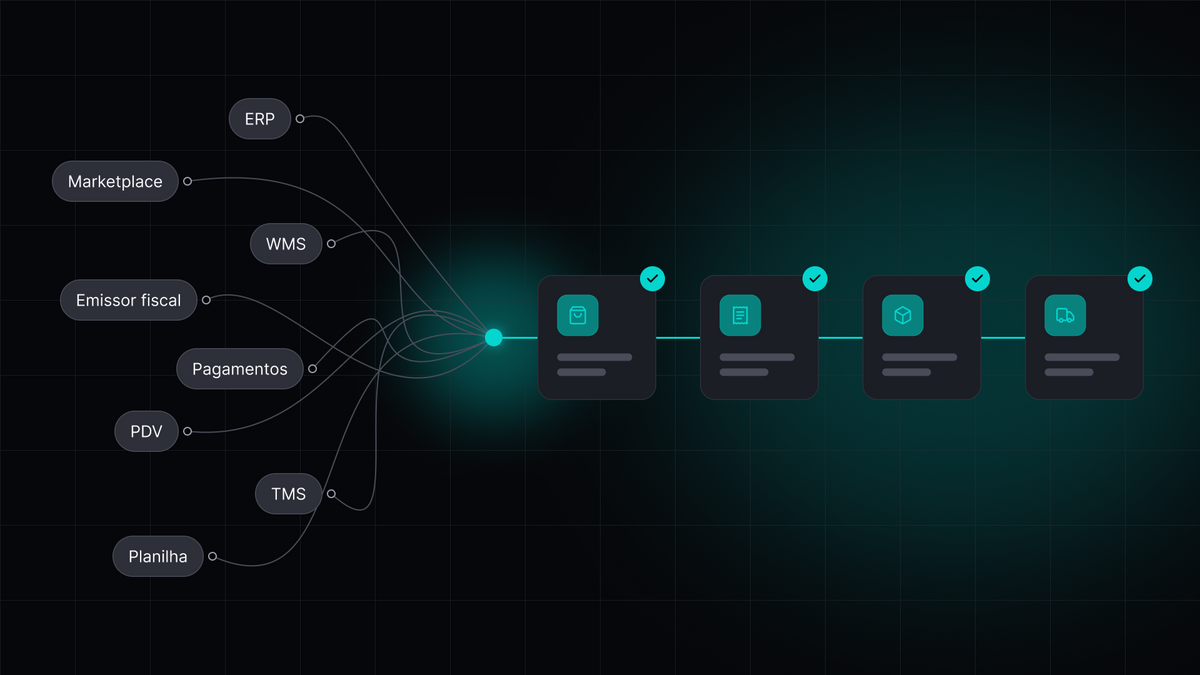
For agents, we will start exposing products, attributes, actions, context, and rules in a structured way.
These are two interfaces for the same commerce operation. And this changes some of the questions we ask during a project.
- Not just: “Can a person find this product?” But also: “Can an agent find this product?”
- Not just: “Is this information beautiful on the page?” But also: “Is this information structured in a way that an AI can understand?”
- Not just: “Is it possible to perform this action?” But: “Is this action also available to an agent?”
We are still at the beginning
It is important to put this release in the right size.
WebMCP is still a standard in development. Agent support is currently restricted to Chromium-based browsers participating in the origin trial, and Chrome itself makes it clear that the specification is still under discussion and may evolve.
That is: no one needs to redesign their operation tomorrow because consumers will stop using menus next week.
But the direction is starting to become very clear.
UCP created a language for agents to participate in commerce journeys.
MCP started opening store catalogs and capabilities to these agents.
Now WebMCP brings this interaction also inside the web experience itself.
Little by little, we are stopping to build e-commerce sites only to be visited by machines. We are starting to build them to be understood and operated by them.
For decades, an important part of e-commerce optimization work was reducing the number of clicks required for someone to buy. Perhaps we are entering a phase where, for some journeys, there will be no clicks at all.
Want to know more? Read the links below.
Cheers,
Érico Scorpioni
https://shopify.dev/docs/api/web-mcp
https://developer.chrome.com/docs/ai/webmcp