
If you run an e-commerce store, you've probably wasted too much time opening tabs, dashboards, and different screens just to answer a simple question: how many orders are stuck, which product is running out, what customer complained about. Shopify launched a direct solution to this problem: Sidekick, the AI assistant that comes built into the platform.
In this article, you'll learn what Sidekick does, how it's evolving to connect with the apps you already use in your operation, and what that means in practice for your day-to-day work as a manager.
What is Sidekick, in a nutshell
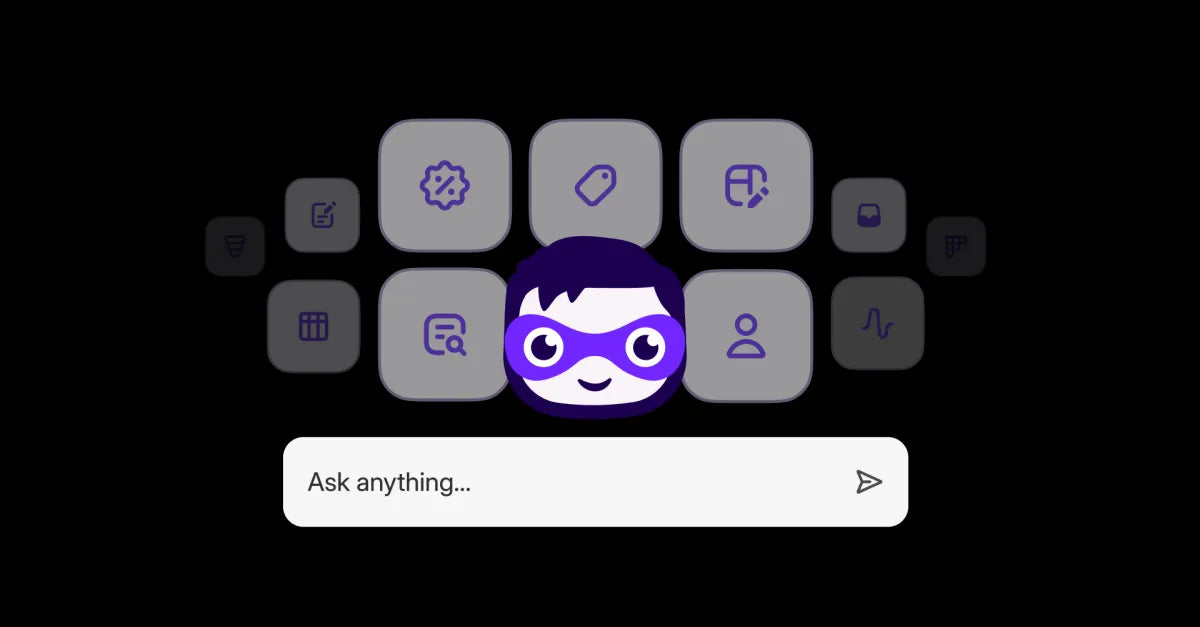
Sidekick is the AI assistant that lives inside the Shopify admin panel. It answers questions about your store, takes you directly to the right screen when you need to do something, and helps you decide the next step without having to leave what you're doing.
The central idea is simple: instead of navigating through menus to find the information, you ask, in plain Portuguese, and Sidekick finds the answer.
What has changed recently, and why it matters to you
Until recently, Sidekick answered questions well about Shopify itself, but it didn't have access to what was happening inside the apps you installed on your store: your order management system, your shipping tool, your email marketing app.
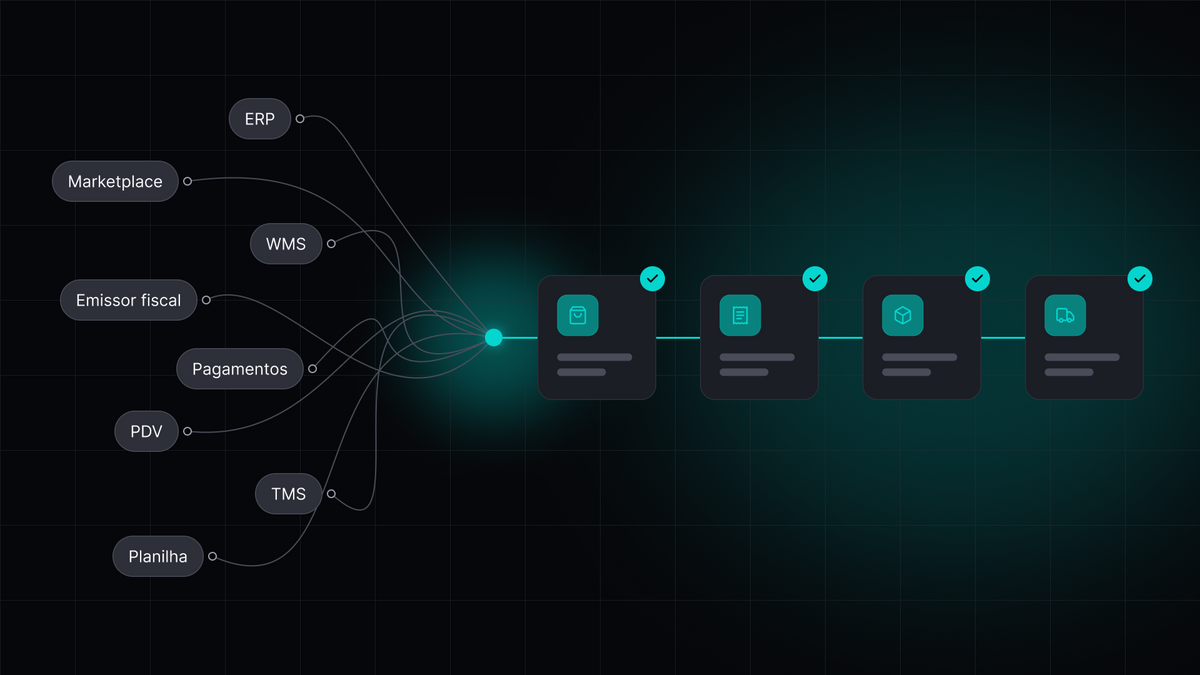
That has changed. Shopify opened Sidekick so that any app can connect to it. In practice, this means the assistant is no longer an isolated Shopify feature and has become a single point of reference for your entire operation, including the third-party tools you already use.
This is the change that transforms Sidekick from an "interesting feature" into a "tool you use every day". Before, each app was an island, with its own screen, its own login, its own logic. Now, Sidekick can serve as a single entry point for questions that previously required opening the specific app and searching manually.
How it works in practice
The way it works is easy to understand, even without technical knowledge. You write a question in the Sidekick chat, just like you would in any messaging app. The assistant identifies which of your apps has the answer, retrieves the data directly from the source, and gives the information back to you. If the answer requires an action, Sidekick takes you directly to the right screen, so you don't have to search for the path.
This applies to both simple lookup questions and tasks that previously required several clicks in a row. The gain is not just speed, but also not having to remember which app, which menu, or which tab that specific information lives in.
Where this really solves a problem in your e-commerce
The value of Sidekick for those who manage a store appears in the most common and most tiring moments of the routine:
-
You no longer need to memorize where each piece of information is. With multiple apps running at the same time (order management, shipping, marketing, customer service), it's easy to forget which specific dashboard a certain piece of data appears in. Sidekick centralizes the question, so you don't need to centralize your memory.
-
Day-to-day decisions become faster. A question that previously took several minutes of navigation now takes the time it takes to type the question and read the answer. In operations with a high volume of orders, this saved time multiplies throughout the day.
-
You depend less on your technical team for simple tasks. Questions that previously required opening a specific system and knowing how to operate it can now be answered in natural language by anyone on the team who has access to the Shopify admin.
-
Fewer errors due to outdated or poorly located information. When the answer comes directly from the source, the moment you ask, the risk of deciding something based on an unsynced screen or an outdated report decreases.
A practical example: how this already works in the FullComm OMS
A good way to understand this gain in practice is to look at a system that every e-commerce operation depends on: the order management system, responsible for tracking every order from the moment of purchase until delivery.
Today, this system is already integrated with Sidekick, and this connection already operates independently, without requiring you to open the dashboard separately. This means that a large part of the work of tracking orders, which previously required entering another system and searching manually, is now resolved directly in the Shopify chat:
-
You find any order instantly, using the order number, ID, or even the invoice number, without having to navigate through a list until you find the right one.
-
You filter several orders at once, by status (created, picking, shipped, processed, canceled, or with an error) or by the customer's email and ID, useful when you need to quickly understand a scenario involving more than just one order.
-
You track the complete path of an order, from picking to shipping, without having to enter different screens for inventory, warehouse, and carrier to assemble this history manually.
-
When an order gets stuck or has an error, you receive the diagnosis, not just the alert. Sidekick identifies at which stage the problem is, what the likely cause is, and indicates whether the case can be resolved by reprocessing or if it requires correcting some data, such as registration, address, or payment information.
-
You check if what is registered in the order management system matches what is in Shopify, identifying product or quantity discrepancies before this becomes a bigger problem for the customer.
-
You view the invoice of any order, with all the official data, or find the order starting from the invoice itself, when that is the starting point you have on hand.
What used to be a manual task, done in a separate system, often by someone on the technical team. Today, it is a question answered instantly by anyone with access to the Shopify admin.
What is left for you
Sidekick is ceasing to be an isolated feature and is becoming the central point of reference and action for your store, including the systems you already use outside of Shopify. This means less time searching for information, less dependence on technical knowledge for day-to-day tasks, and more free time for you to make decisions that really help the store grow.
Each update like this, with Shopify opening another artificial intelligence channel for apps, is an opportunity to gain time and clarity in your operation. Check closely follows these changes and arrives at each one with the system already prepared, so you don't have to wait. If a system as essential as order management already operates integrated this way, with this level of detail, it is a sign of where e-commerce management is headed: fewer screens, more direct answers, and you in control of everything with much less effort.